


SST License Manager Troubleshooting
SST License Manager Troubleshooting: Fix common errors like missing SSTLM environment variable, server/service not running, ActiveX error 429, and .NET Framework installation issues .
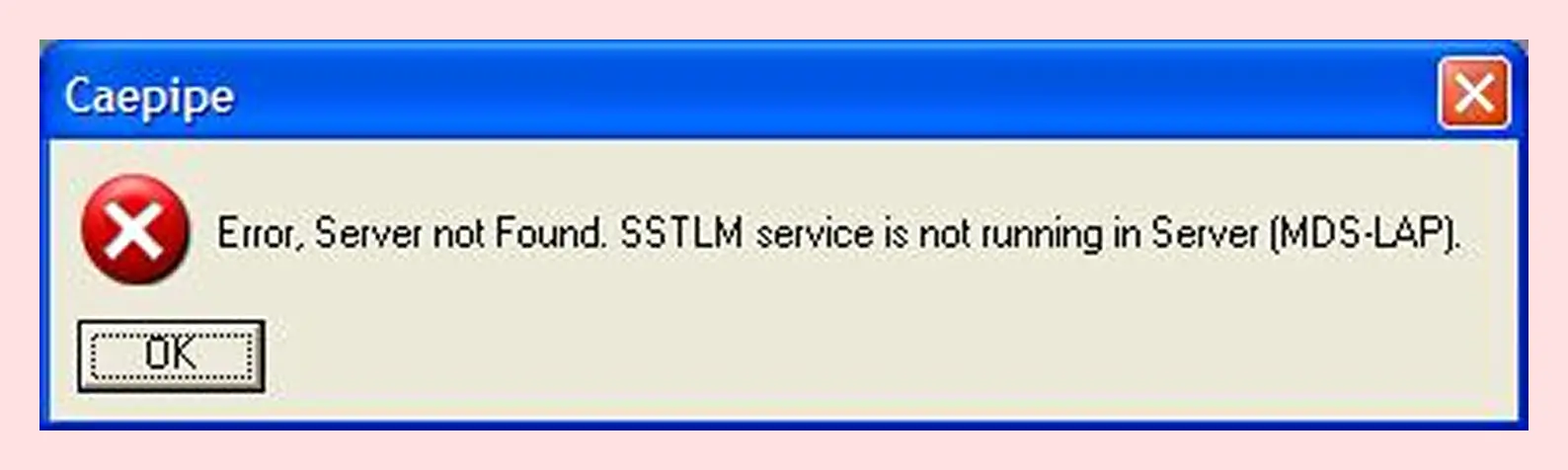
Server Not Found. SSTLM Service...
If you get a "Error, Server not Found. SSTLM service is not running in Server" message, please consult the SST License Manager Firewall Help for further instruction.
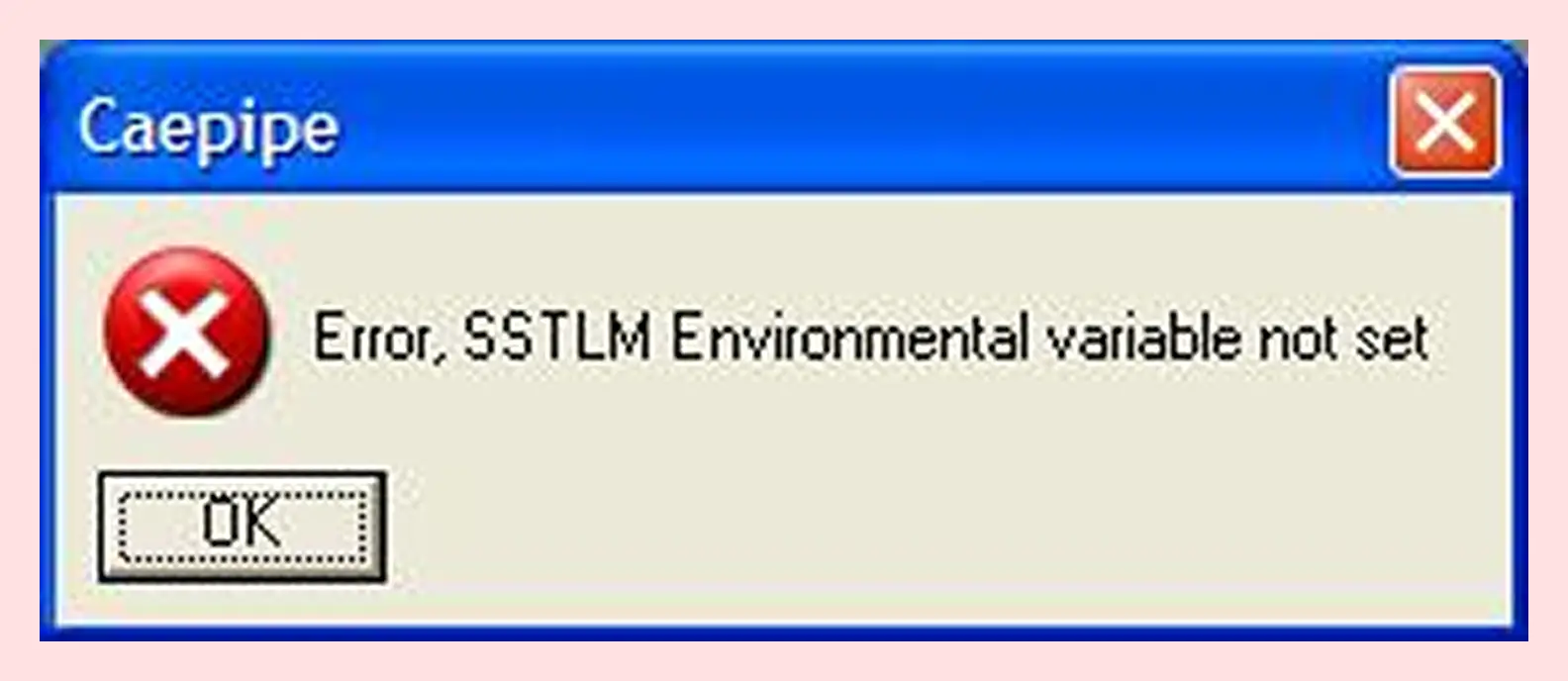
SSTLM Environmental Variable Not Set
If you get a "Error, SSTLM Environmental variable not set" message, please consult the SST License Manager Environmental Variable Help for further instruction.
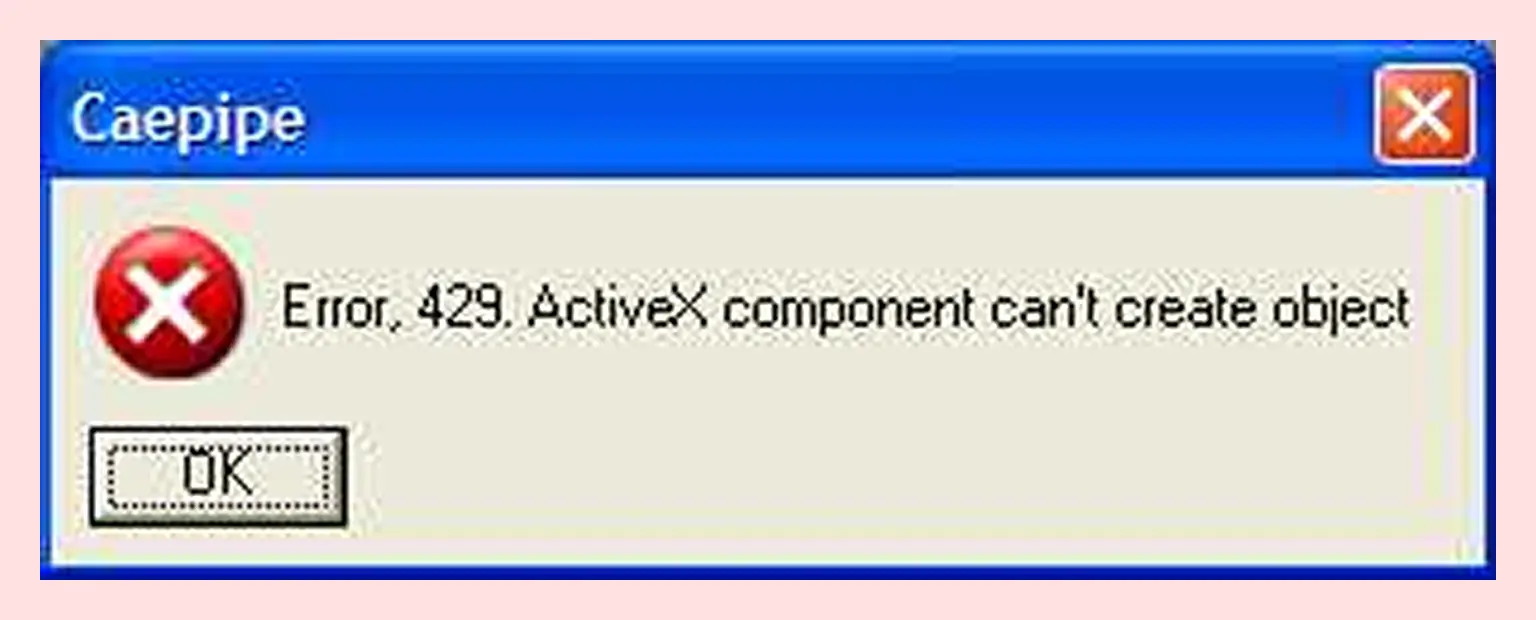
Error 429
If you get a "Error, 429. ActiveX component can't create object" message, reinstall SSTLM. You can download the installation file here.
.NET Framework Not Installed
If you get a ".NET framework not installed" message, please install it by running the "dotnetfx.exe OR dotnetfx.zip" installer.
Note :
Reinstalling SSTLM will NOT remove existing activation keys.